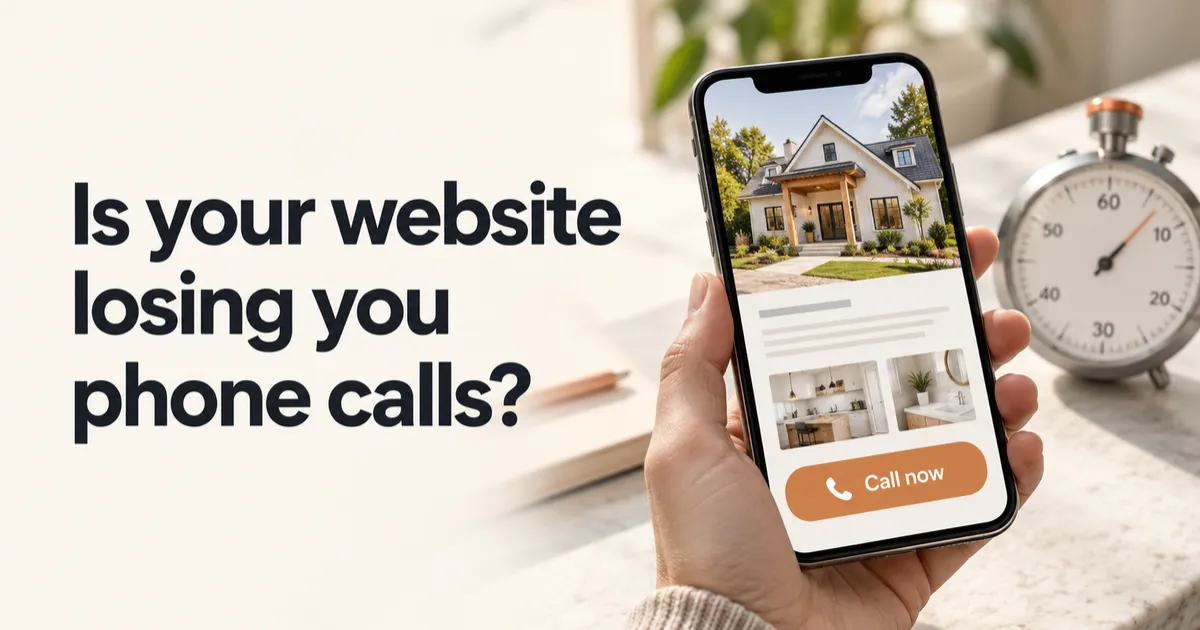
Is your website losing you phone calls? A five-minute check
When someone needs a local business, they usually pull out their phone, search, tap a result and decide within seconds whether to call. Your website has a very short window to answer three questions: what you do, where you do it, and how to reach you right now.
Most small business sites I review are built on a desktop and never really checked on a phone. They look fine on a big screen. On a phone, the number is buried, the menu is hard to use, and the page takes long enough to load that people give up.
Here's a check you can do yourself in about five minutes. Grab your phone, turn off Wi-Fi so you're on cellular like most customers, and open your own website.
1. Count how long it takes to load
Start counting when you tap the link. If you're past three or four seconds before you can read anything, a real customer is already thinking about hitting the back button. Large images and too many add-ons are the usual causes.
2. Look at the top of the screen without scrolling
Before you touch anything, can you tell:
- What the business does?
- What area it serves?
- How to call or book?
If any of those requires scrolling, move it up. The top of the page on a phone is the most valuable space you have.
3. Tap the phone number
It should open your phone's dialer. If it's just text you have to copy, or worse, part of an image, a lot of people won't bother. This is one of the most common problems I find, and one of the easiest to fix.
While you're at it, make sure the number is the one you actually answer, or that calls to it get a quick response if you can't.
4. Try to book or send a message
Fill out your own contact form. Is it short? Does it work? Do you receive a confirmation, and does the business get notified? If you offer online booking, pick a time and see if it lands on your calendar.
I've found forms that went to an old employee's email, forms that sent nothing at all, and booking links that had been broken for months. The owners had no idea, because nobody had tested them since the site launched.
5. Read it like a stranger
Does the site sound like a real business with real people, or like a template? Is there a photo of you or your team? Are your reviews visible? People hire people they trust, and a page that says nothing specific gives them no reason to pick you over the next result.
6. Search for yourself on Google and in an AI tool
Search your business name and your main service plus your town. Then ask ChatGPT or a similar tool something like "who's a good roofer in Port St. Lucie?" More people are using AI tools to find local businesses, and those tools draw from your website, your Google profile and your reviews. If you don't show up, or the information is wrong, that's worth knowing.
What to fix first
If you found problems, start with whatever stands between a customer and a phone call: a number that isn't tappable, a broken form, or a slow page. Those fixes are small and the payoff is immediate. Design changes and new pages can come after.
Get a second set of eyes
We'll review your site the way a customer does, on a phone, and check how you show up on Google and in AI tools like ChatGPT. You get a short report with what's working, what's costing you calls and what to fix first. It's free.
Michele Margetts runs Solution1, which builds websites, follow-up systems and AI assistants for small businesses. She has spent decades on the operations side of businesses in law, real estate, restoration and hospitality.
